Musings from a lean stack: Stop making every request wait for the AI
AI features held a web request open for 20 to 35 seconds, so a few people asking at once could stall everyone. Accept, work in the background, deliver: the pattern, a Rails sketch, and the details that make waiting feel fine.
Part 2 of 5 in the series **Musings from a lean stack: notes from building and running software alone, on one server and a small budget.
More of my apps lean on AI now: a study helper that explains a passage, a search that understands loose questions, a tool that paints an illustration for a sermon. They're the features people love most. On my server, they were also quietly the most dangerous ones.
The symptom: fast pages that sometimes weren't
When I ranked every endpoint in one app by total server time over 24 hours, the picture was clear. Ordinary pages were quick: half of all requests finished in about 10 ms. But three AI features sat at the top of the list:
| Feature | Typical time |
|---|---|
| Smart search | ~22 s |
| Passage explanation | ~23 s |
| Illustration | ~35 s |
The time itself wasn't the problem. Users expect AI to think for a moment. The problem was where the waiting happened.
Why a slow request hurts everyone else
My web server runs a small, fixed number of request slots: a few worker processes, each with a few threads. When a request calls an AI API and waits 25 seconds for the answer, it holds one of those slots the whole time, doing nothing.
With six slots, six people asking the AI at once would leave nobody to serve the home page. Everyone else's fast 10 ms page would queue behind a stranger's slow question. It would look like an outage, even though the server was nearly idle.
The fix is a pattern older than AI: don't do slow work inside the request.
The pattern: accept, work in the background, deliver
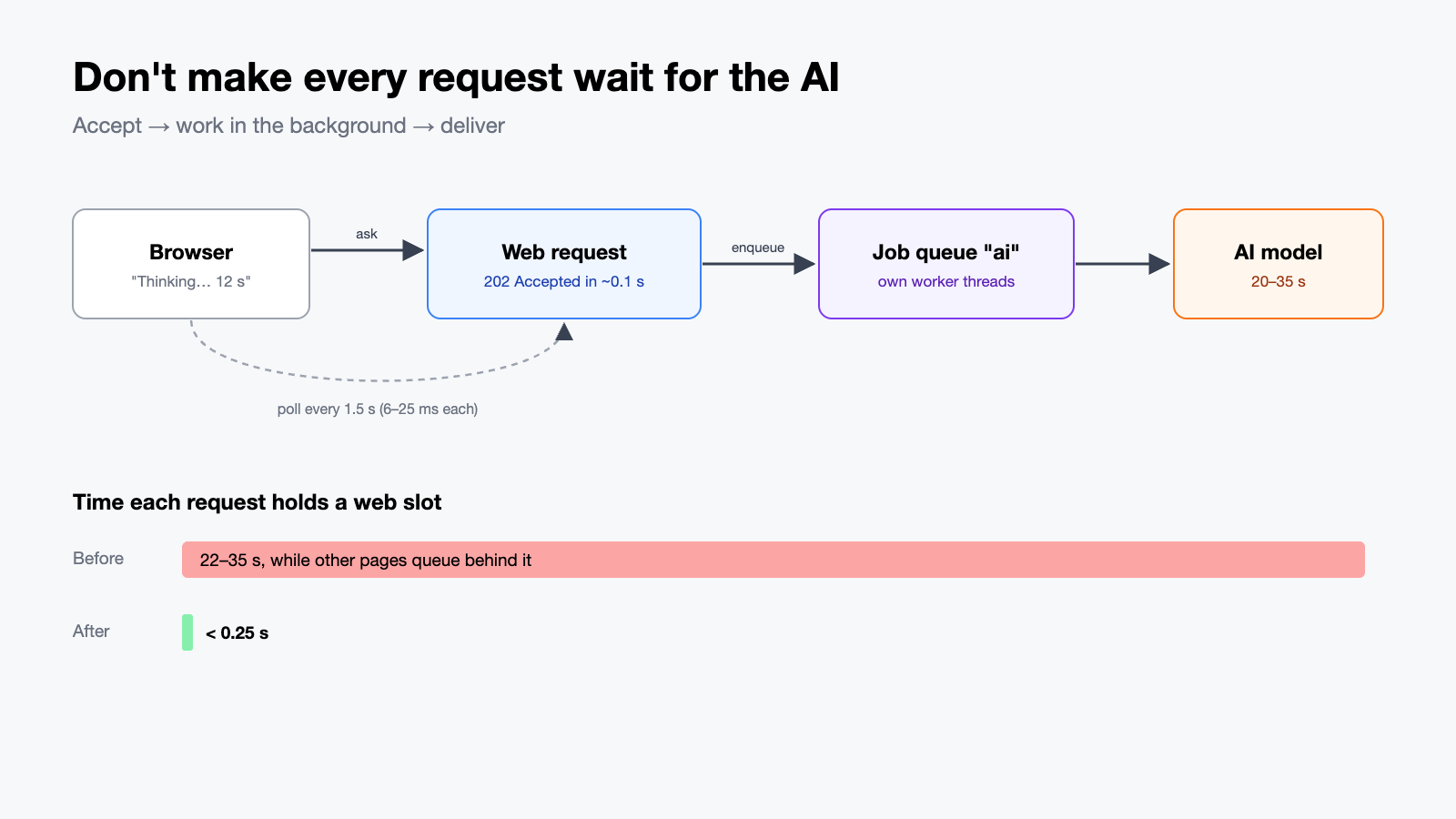
- The request saves a record of the question and queues a background job. It answers immediately with "202 Accepted" and a URL to check.
- A background worker, in a separate process, calls the AI and saves the answer.
- The page shows "Thinking…" and asks for the result every second or two until it's ready.
Here's a minimal Rails version of the idea. The names are illustrative:
# app/models/ai_answer.rb
class AiAnswer < ApplicationRecord
  belongs_to :user
  has_secure_token :token
  enum :status, { pending: 0, done: 1, failed: 2 }
end

# app/controllers/answers_controller.rb
class AnswersController < ApplicationController
  def create
    answer = Current.user.ai_answers.create!(question: params[:q], status: :pending)
    AiAnswerJob.perform_later(answer.id)
    render json: { status: "pending", poll_url: answer_path(answer.token) }, status: :accepted
  end

  def show
    answer = Current.user.ai_answers.find_by!(token: params[:token])
    return head(:accepted) if answer.pending?
    render json: { status: answer.status, text: answer.text, error: answer.error }
  end
end

# app/jobs/ai_answer_job.rb
class AiAnswerJob < ApplicationJob
  queue_as :ai

  def perform(id)
    answer = AiAnswer.find(id)
    text = AiClient.ask(answer.question, timeout: 60)
    answer.update!(status: :done, text: text)
  rescue AiClient::Error => e
    answer&.update!(status: :failed, error: "The AI didn't answer. Please try again.")
  end
end
And on the page, a small polling loop:
async function waitForAnswer(pollUrl, { every = 1500, giveUpAfter = 180_000 } = {}) {
  const started = Date.now()
  while (Date.now() - started < giveUpAfter) {
    const res = await fetch(pollUrl, { headers: { Accept: "application/json" } })
    if (res.status !== 202) return res.json()
    await new Promise((r) => setTimeout(r, every))
  }
  return { status: "failed", error: "Still no answer. Try again." }
}
Details that make it feel good
- Give the AI its own queue and its own threads. AI jobs are slow and spiky. Put them on their own worker pool so they never delay emails or other jobs.
- Show progress honestly. "Reading the whole chapter…" with a seconds counter, then "Still thinking — a careful answer takes a little longer" after 15 seconds. People wait patiently when they can see something is happening.
- Make failure a button, not a dead end. If the AI fails or takes too long, show a clear message and "Try again".
- Authorise the result, not just the question. Only the person who asked can read the answer, and the poll token can't be guessed.
- Polling is fine. I considered pushing the result over WebSockets, but a fast answer can arrive before the page has subscribed. Polling a cheap endpoint every second or two is simpler and costs a few milliseconds per check.
Check that jobs really run where you think
One surprise: when I looked closely, the app's background jobs weren't running in the separate job service at all. A configuration line meant they ran inside the web process instead. "Background" work was still eating web memory and threads. It's worth printing your real job adapter in production once:
bin/rails runner 'puts ActiveJob::Base.queue_adapter.class.name'
The result
Every AI request now returns in well under a quarter of a second. While several people wait for answers, other pages carry on at their usual speed. The AI isn't any faster, but it no longer slows anyone else down.
Lessons
- Rank endpoints by total time, not average. A few slow, popular requests can matter more than one very slow rare one.
- Never hold a request slot while waiting on someone else's server. That covers AI, payment providers and file uploads to a storage service.
- Waiting is a design problem. Good progress text and a retry button turn a slow feature into an acceptable one.
- Verify the boring config. "It runs in the background" is a claim you can check in one command.
Comments
Keep reading
Nov 19, 2026 · 4 min · Ruby on Rails
Musings from a lean stack: The timeout you borrowed is breaking a feature you forgot
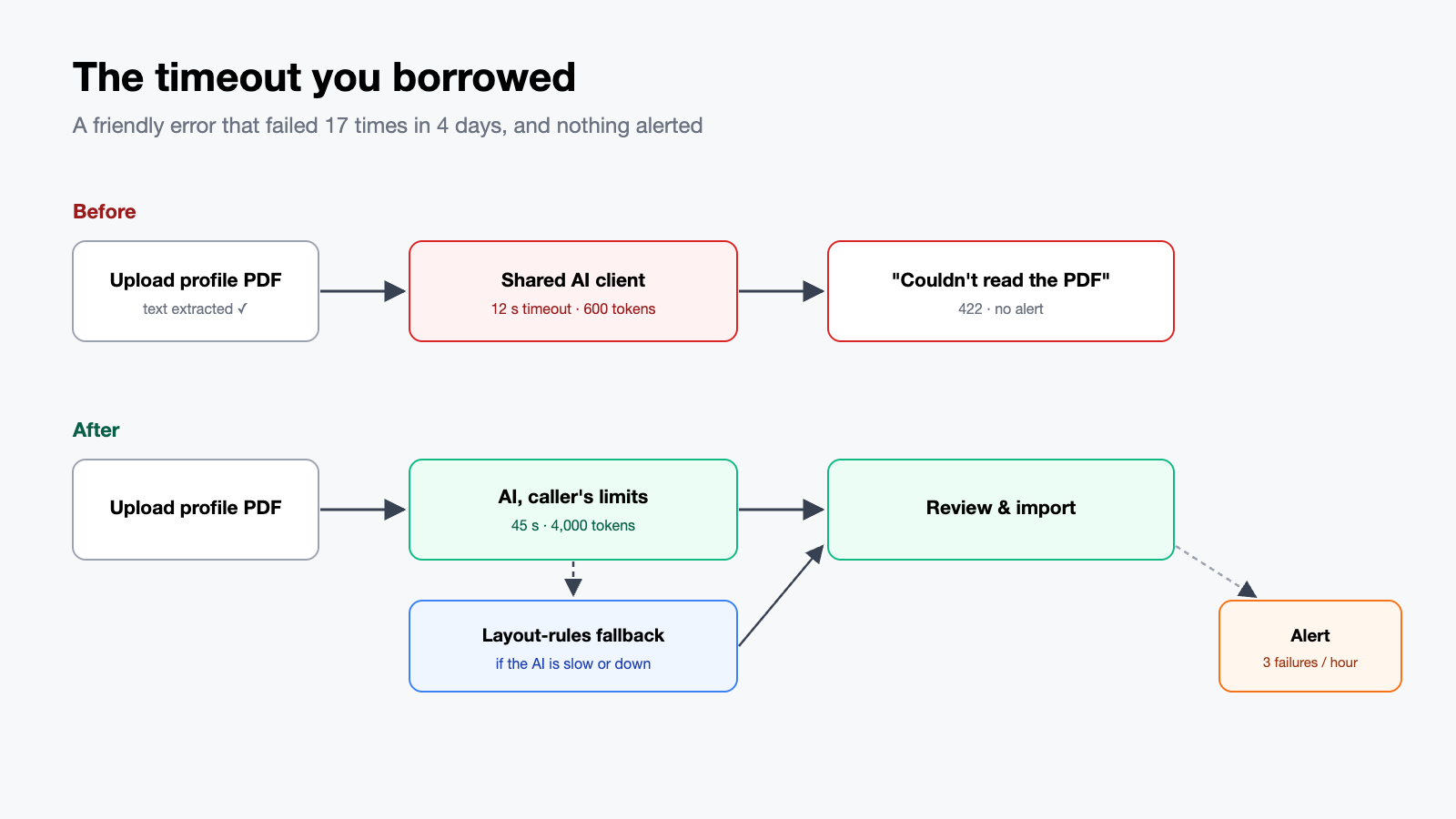
A profile import failed for everyone for four days without a single crash or alert. The cause was a 12-second timeout borrowed from another feature. Caller-owned limits, dumb-but-reliable fallbacks, and alerts for polite failures.
Nov 18, 2026 · 8 min · Ruby on Rails
Getting Brethreign ready for launch: one deleted account broke my inbox
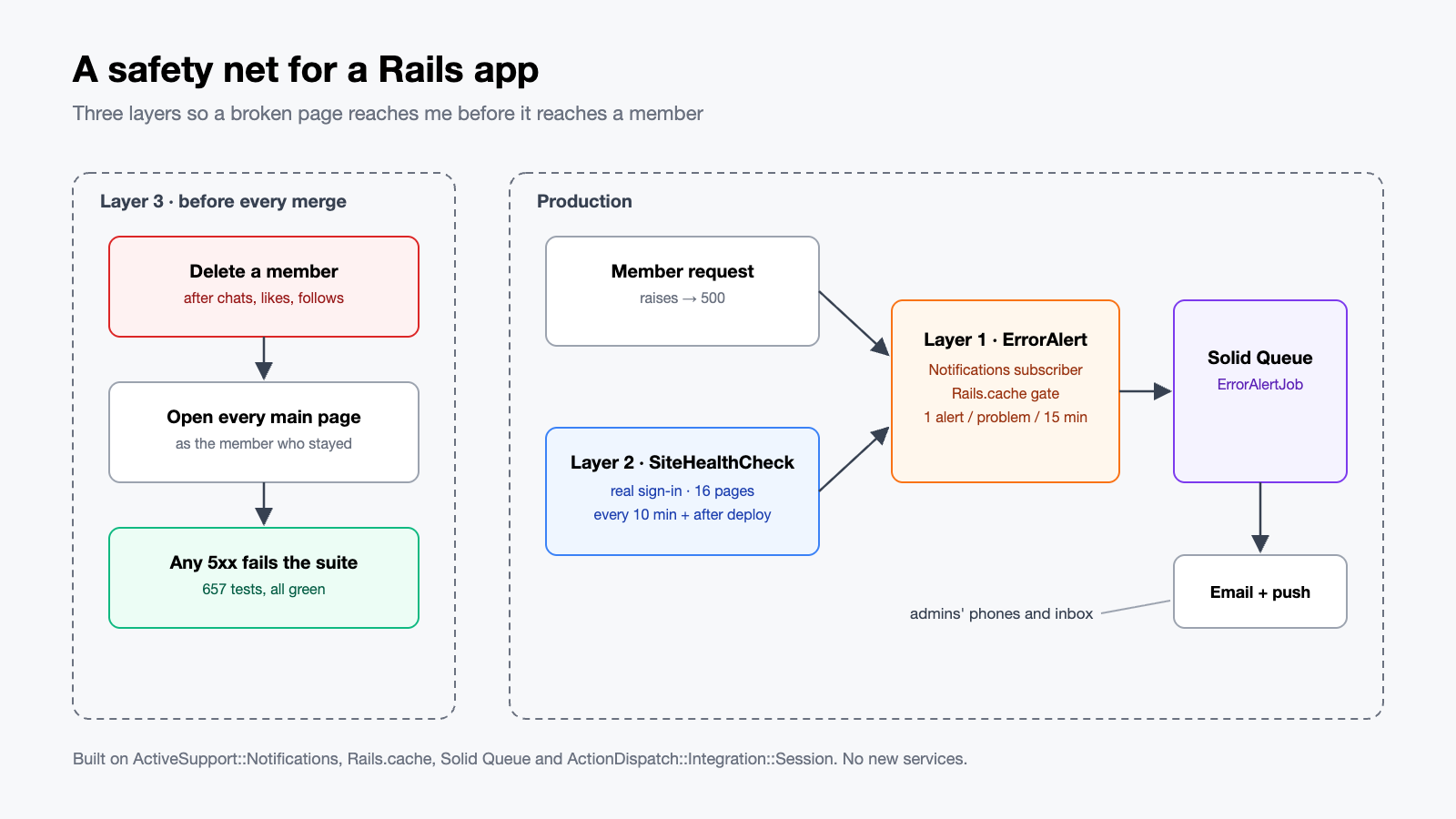
A deleted test account left a chat with nobody in it, and the inbox crashed. I heard about it from a person, not a tool. The fix took minutes; the safety net I built that evening uses only Rails: crash alerts, a self-checking robot and a test for the people who leave.
Jul 22, 2026 · 2 min · Ruby on Rails
Beyond Rails: How to Handle Real-Time & WebSocket-Heavy Apps
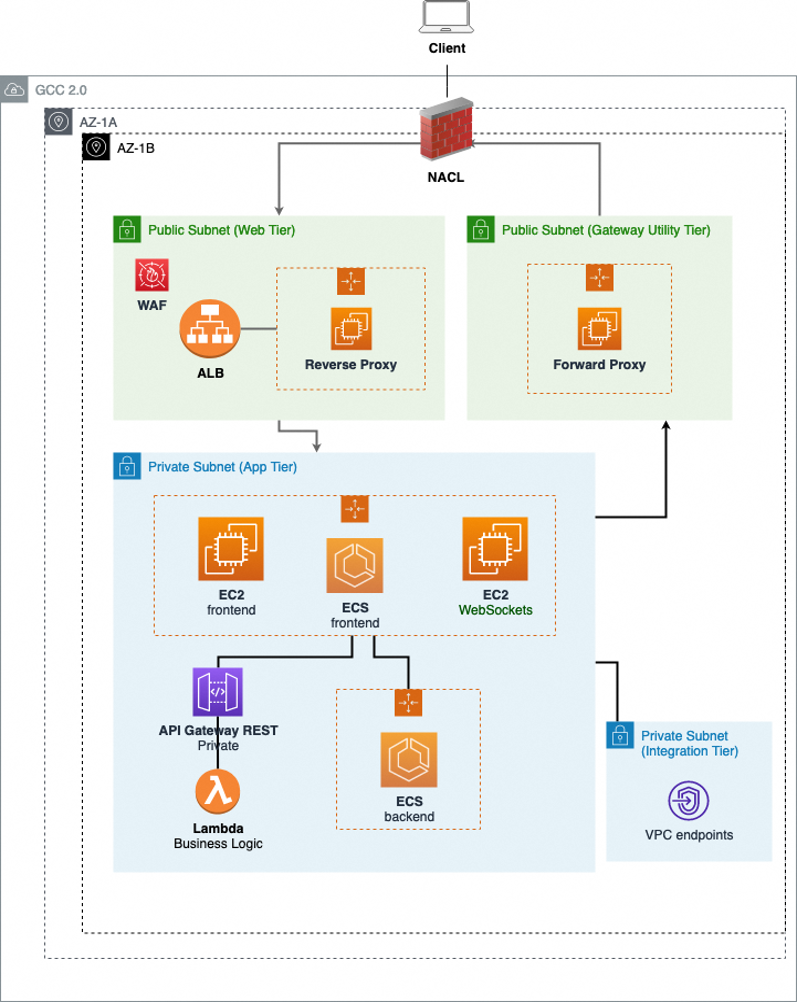
ActionCable is fine. But when you need to handle 10,000+ concurrent connections, you need a different beast.
Leave a comment